For producers and small crews
Fill it in on this page and print a call sheet that looks like you do this for a living. No account, no email address.
Open the call sheet“I have used Miracue on a number of shoots and have found it incredibly powerful and useful.”
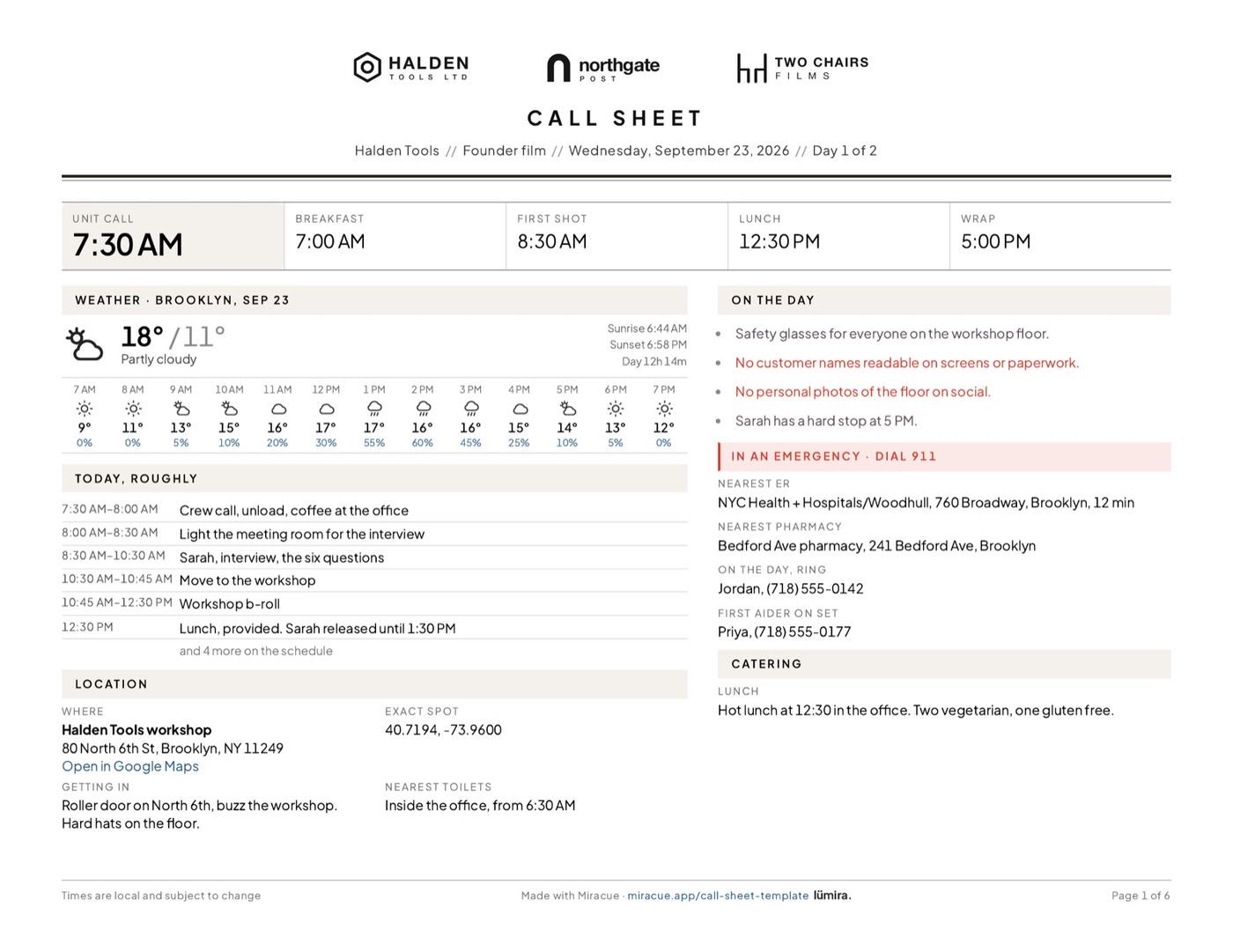
Your call sheet
Fetched once and kept with the shoot, so the sheet prints the same forecast offline.
The sheet leaves these blank rather than inventing them, and says so.
| # | Time | Kind | What | Where | Who is needed | Shots | Needs |
|---|
| In | Role | Name | Mobile | Call | Location | Pick up |
|---|
Add the questions you want to ask. Star the ones you can't leave without.
| In | Role | Name | Mobile | Call | Location | Pick up |
|---|
| In | Role | Name | Mobile | Call | Location | Pick up |
|---|
| Company | What they bring | Mobile | Drop | Collect |
|---|
Stays in your browser.
Switch a section off and it leaves the sheet entirely, rather than printing a heading with nothing under it.
Both sizes print landscape, which is what the seven-column contact table needs: portrait gives it barely half the width it wants. In the print dialog set Margins: None and turn Headers and footers off.
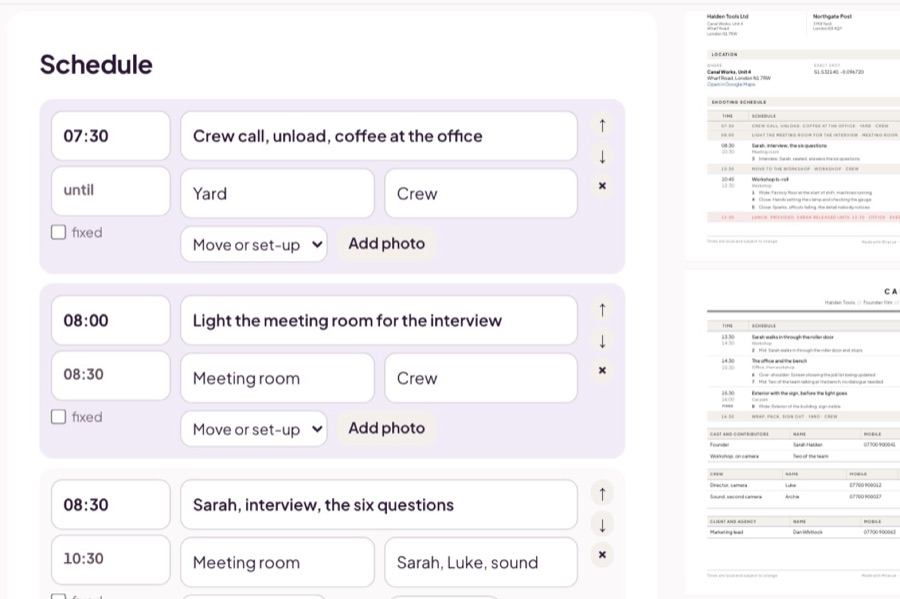
Times, the location, the schedule, the people and the emergency details. Load the example to see a real shoot first.
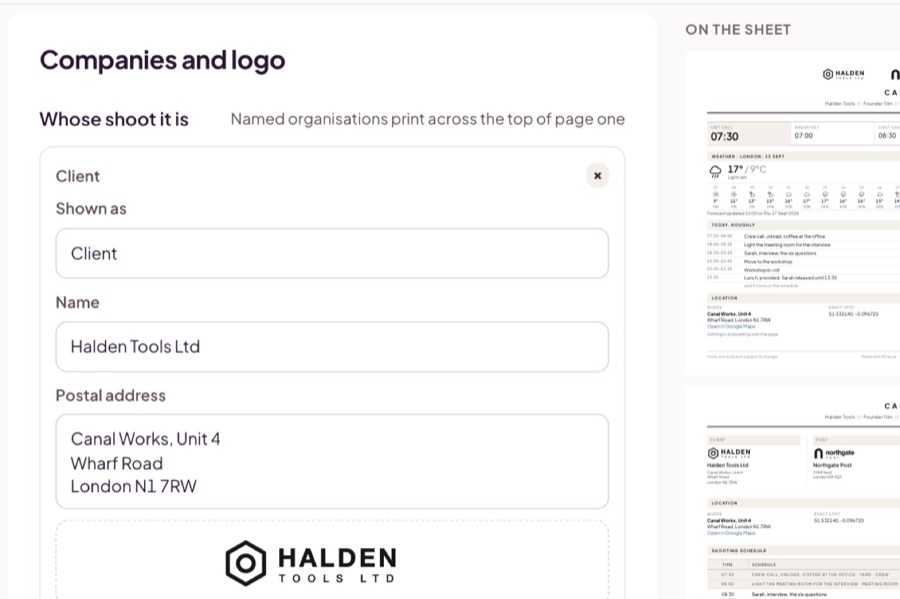
Add your logo, your client's and your studio's name, and pick an accent color. They print on every page.
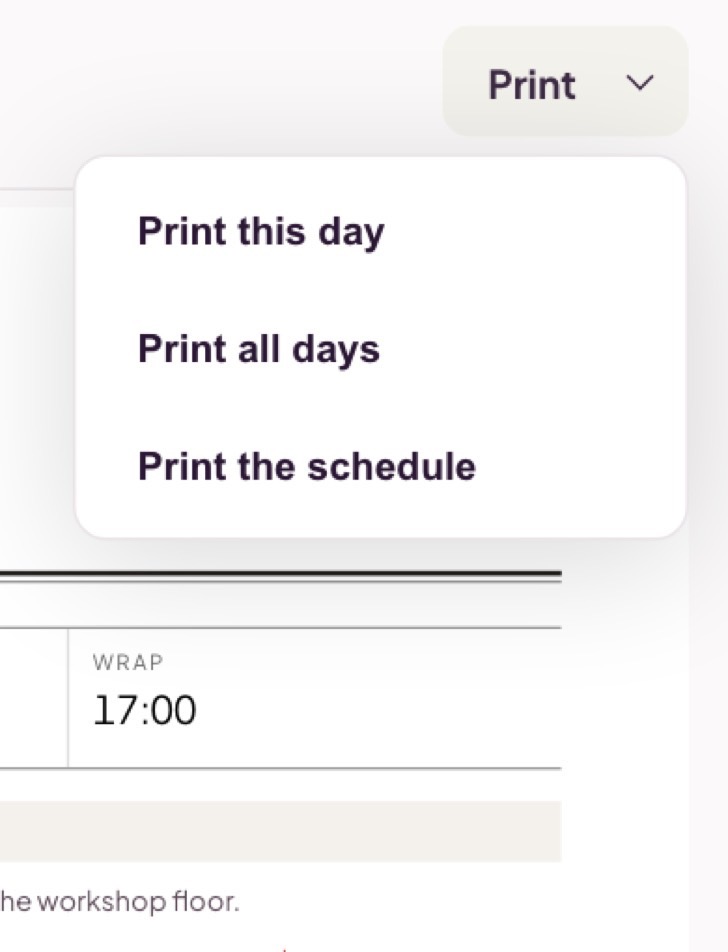
One day or every day of the shoot, on A4 or Letter, laid out landscape.
The whole call sheet. Nothing to unlock before it prints.
What you type stays in your browser, apart from the location and date sent for the weather. The printed sheet carries a small Made with Miracue line at the foot, with a link to Miracue Pro.
The essentials: the date, the location and how to get there, the schedule with call times, who is on camera, crew and client contacts, and emergency details such as the nearest hospital. This template also has room for suppliers, catering and the weather.
Usually the evening before the shoot, once the times are confirmed, so everyone starts the day with the same plan. If anything changes after that, send the new version rather than a message that says what changed.
Yes. Fill it in and print it, on A4 or Letter. There is no account and no email address to hand over. Your logo, name and accent color are free too; the printed sheet carries a small Made with Miracue line at the foot, with a link to Miracue Pro.
It stays in your browser. What you type is kept on this device so it survives a refresh, and it is not sent to us. Clearing your browser data clears it, so print or save a PDF of anything you want to keep. Fetching the weather sends the location and date to the weather services, postcodes.io and Open-Meteo.
When you need more
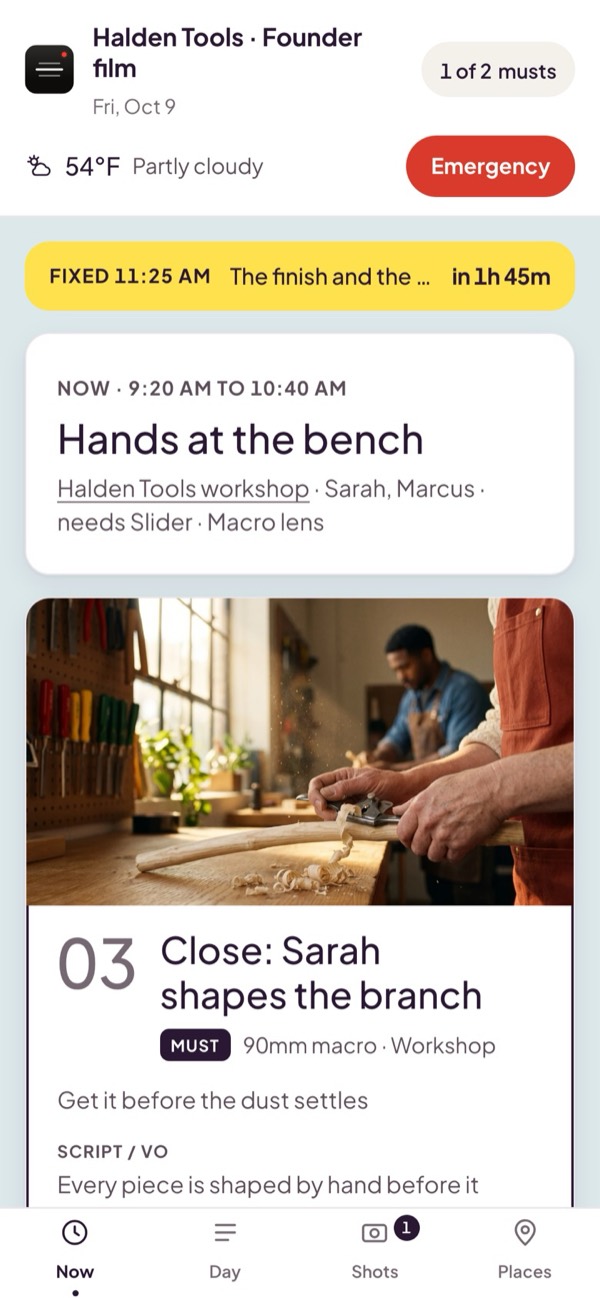
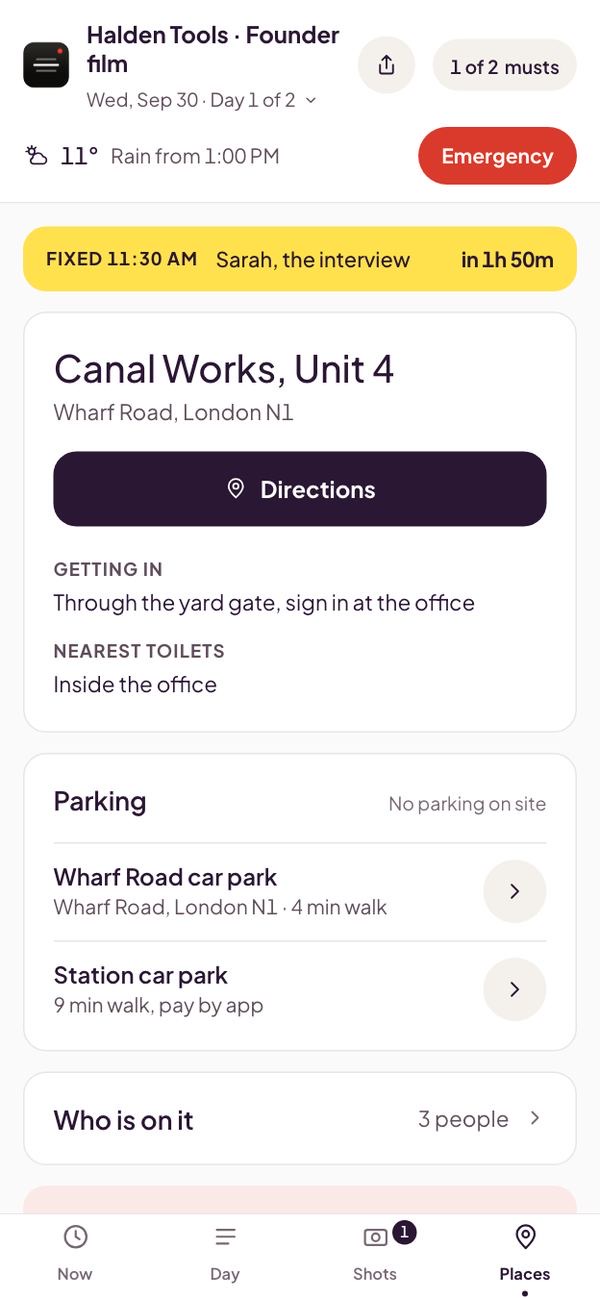
With Pro, the same call sheet becomes the shoot day on everyone's phone, from one link. No app and no account for the crew.
Keeps working if the signal drops once it's open. Live updates resume when it's back.
 miracue