For producers and small crews
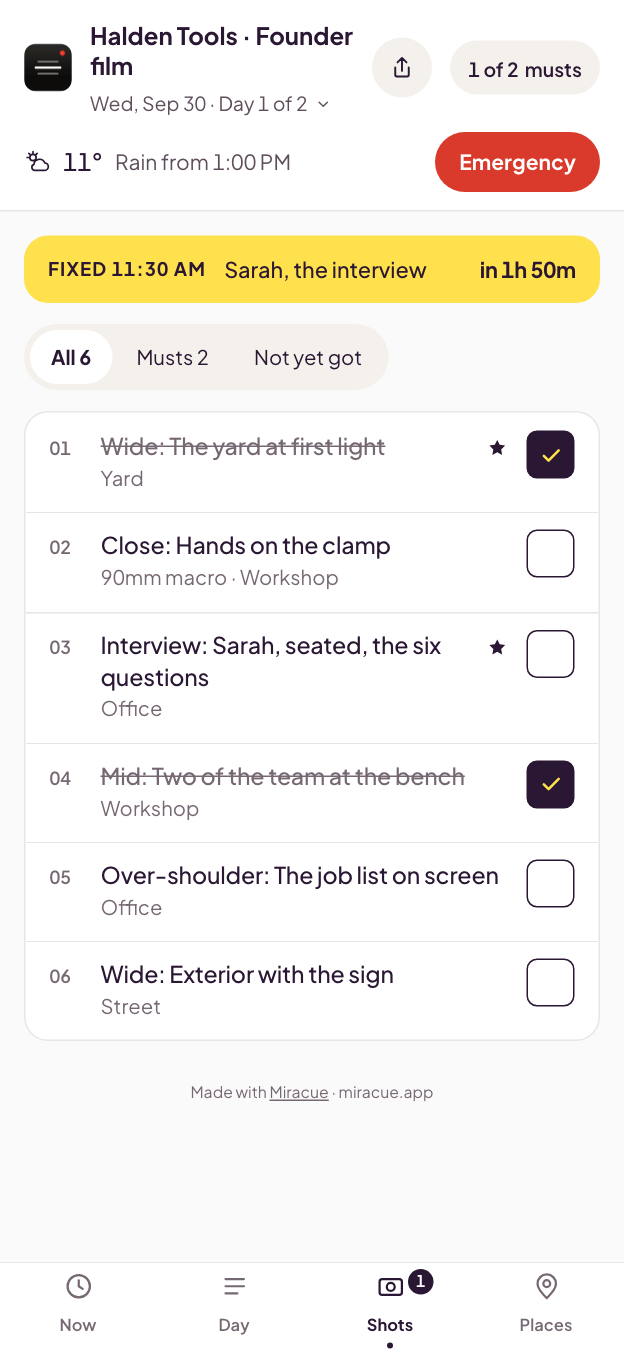
Every shot for the day, with a box to check off. Star the must-haves on screen, then download it as a spreadsheet or print it. No account.
Start your shot list“I have used Miracue on a number of shoots and have found it incredibly powerful and useful.”
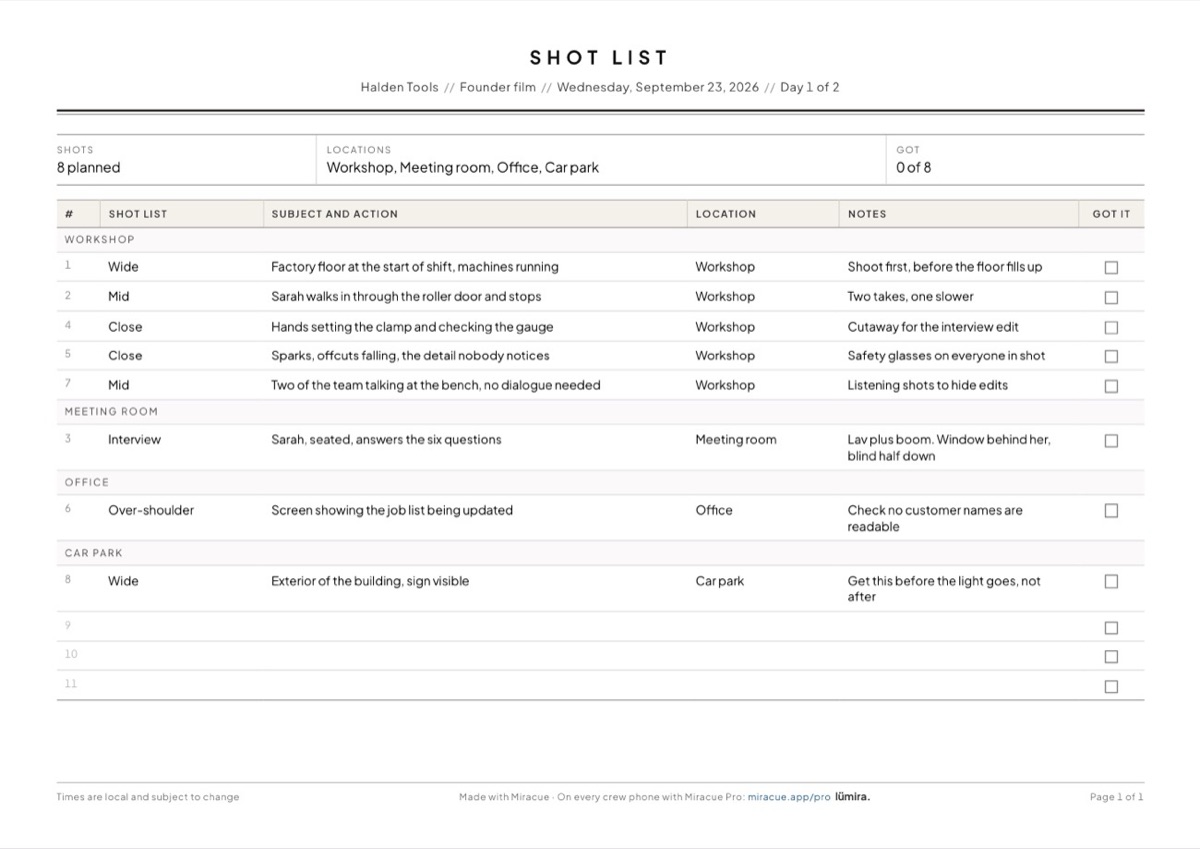
Your shot list
Pick a shot type, or type it first with a colon: close: hands on the clamp. Drag the dots on the left to reorder.
Stays in your browser.
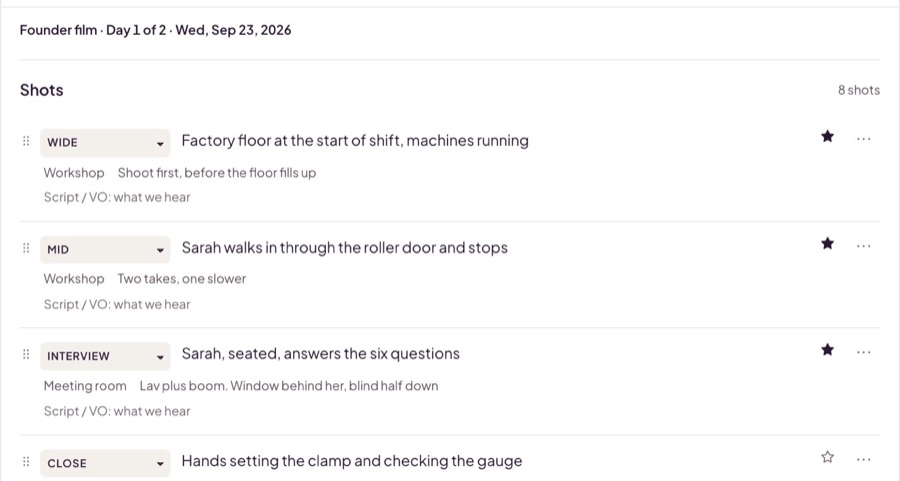
Pick the shot type, write what's in frame, and star the ones you can't leave without.
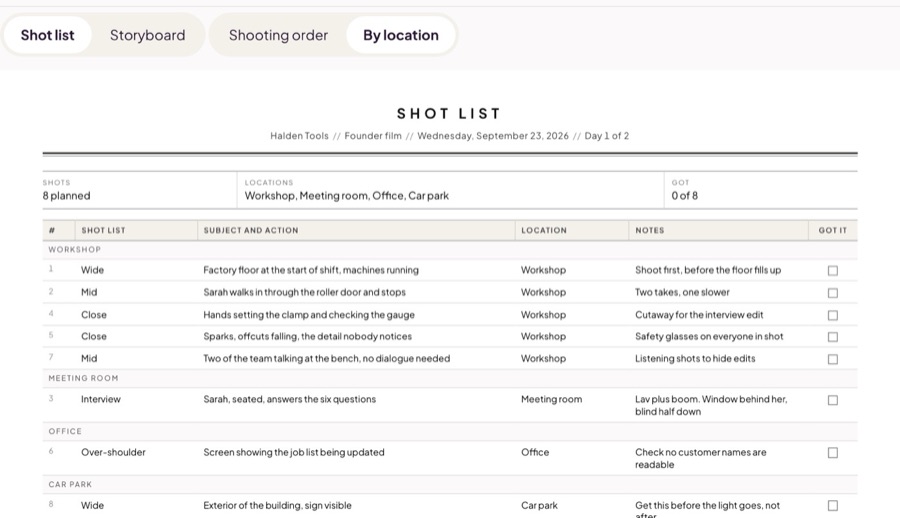
Drag to reorder, or group the sheet by location so you shoot out one room before you move.
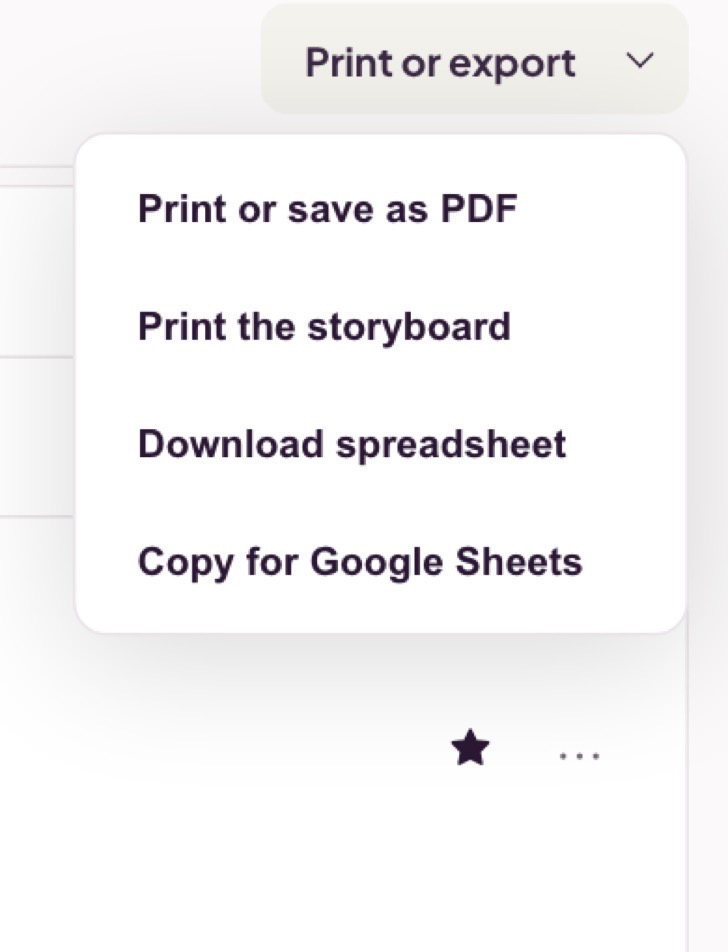
A spreadsheet, a copy for Google Sheets, or a printed list with a box to check off on set.
The whole shot list, from the first shot to the printed sheet.
What you type stays in your browser. The printed sheet carries a small Made with Miracue line at the foot, with a link to Miracue Pro.
At minimum: a number, the shot size, what is in frame, and where it happens. Most working lists add notes for the crew and a column to check off when the shot is in the can. Ours has six columns because a seventh never gets filled in.
Yes. Fill it in on this page, download it as a spreadsheet, or print it. There is no account and no email address to hand over. The printed sheet carries a small Made with Miracue line at the foot, with a link to Miracue Pro.
It stays in your browser. What you type is kept on this device so it survives a refresh, and it is not sent to us. Clearing your browser data clears it, so download or print anything you want to keep.
When you need more
With Pro, each shot gets its frame: drop in your own picture, or sketch it from what the shot list says. On the day, shots are checked off as you go, and the crew sees where the day stands on their phones.
 miracue