miracue
Miracue for Chrome
A teleprompter in the side panel, beside your call instead of over it
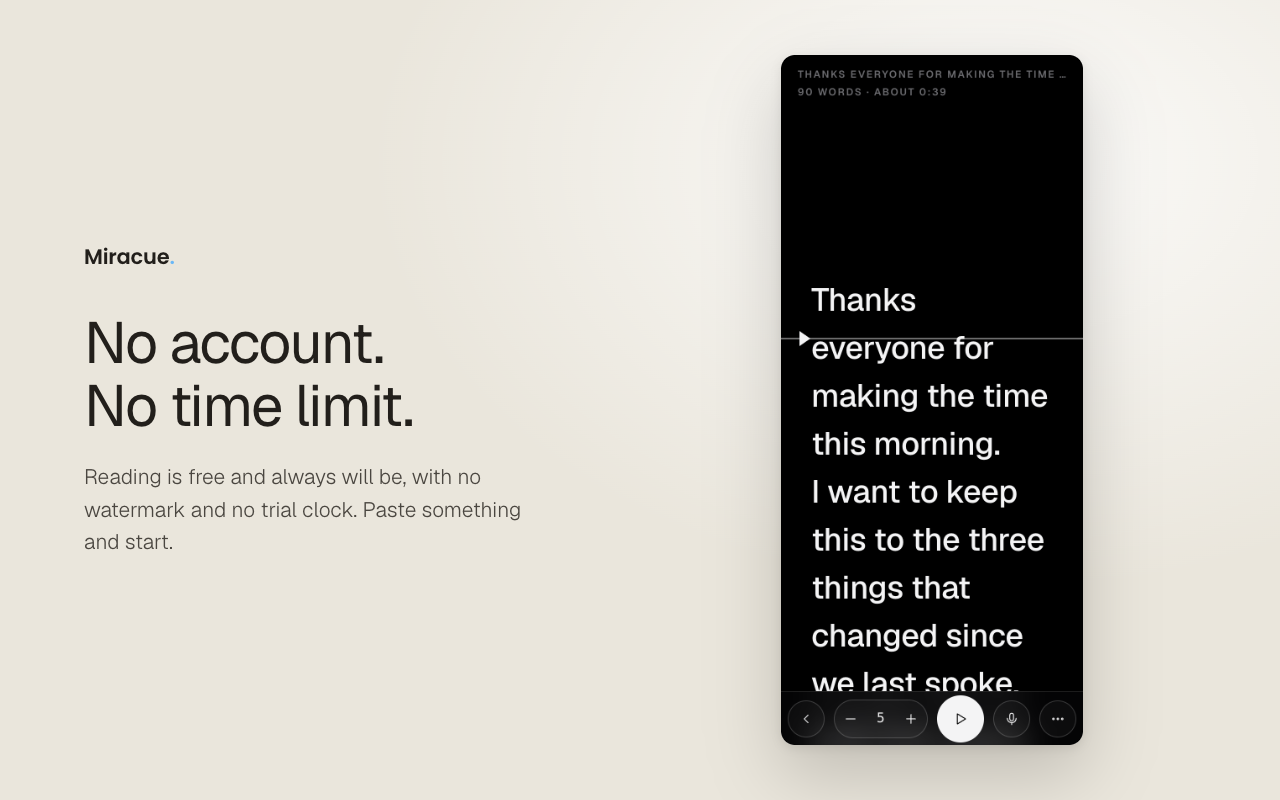
Paste what you are about to say, press Read, and the words scroll at a speed you set. Turn the microphone on and it follows your voice instead.
Speech recognition runs on your own machine and moves the script at the pace you actually speak, so you can pause or ad-lib without touching anything. Free, no account, no time limit.

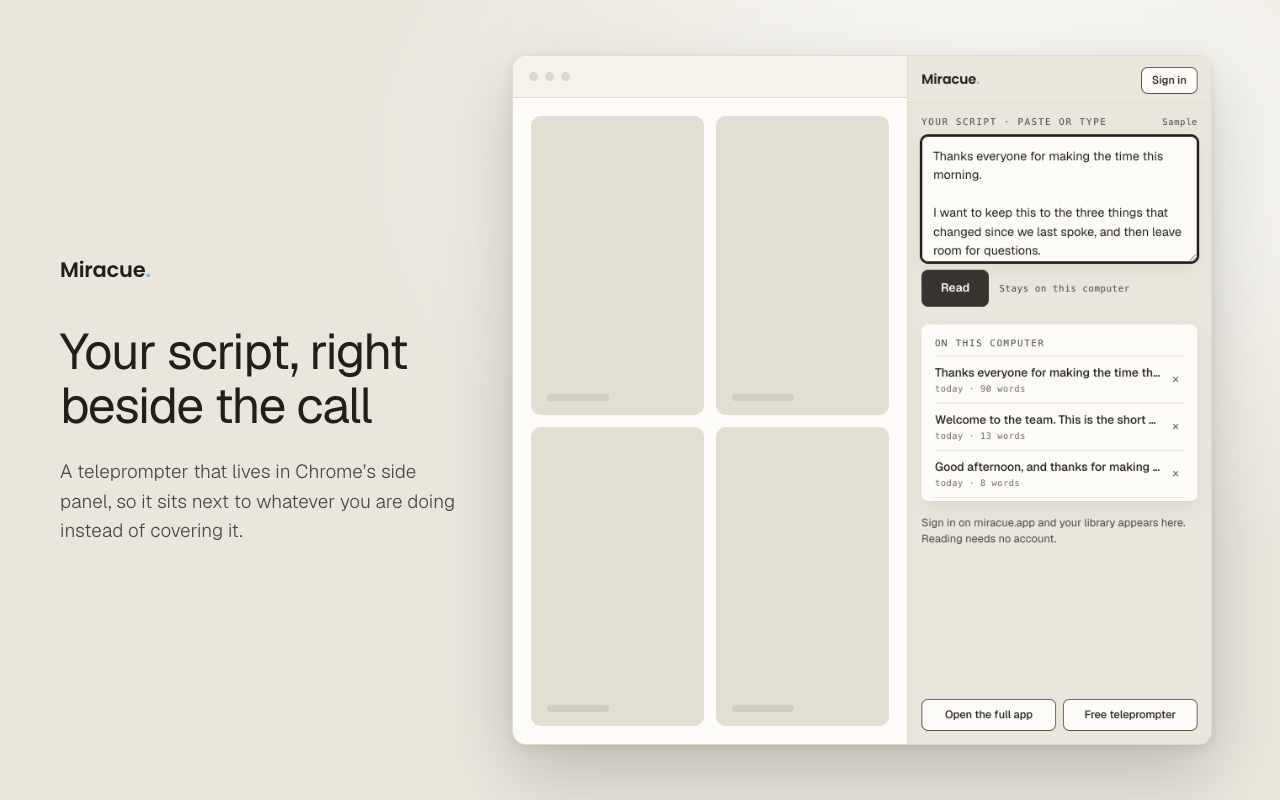
Beside the call, not on top of it
The script sits next to the tab you are working in
What it does, and what it does not
Reads in the side panel
Beside whatever tab you are working in, so a call, a script document or a recording page stays where it is.
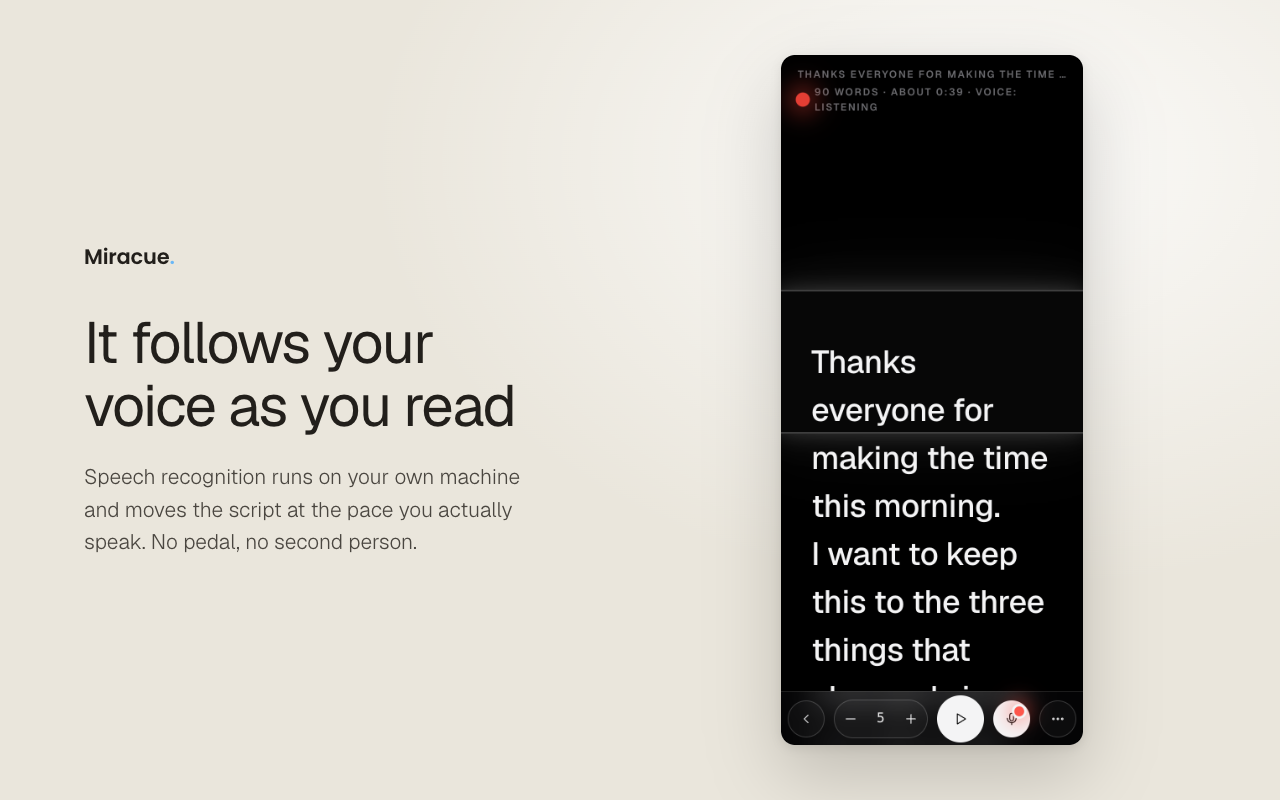
Follows your voice, or scrolls at a fixed speed
Your choice, per read. Voice follow waits when you stop and holds its place when you go off script. Need a retake? The clicker jumps you back three lines.
Text size, line spacing and margins
Set them once and the panel remembers them on this computer, so the next script opens the way you left the last one.
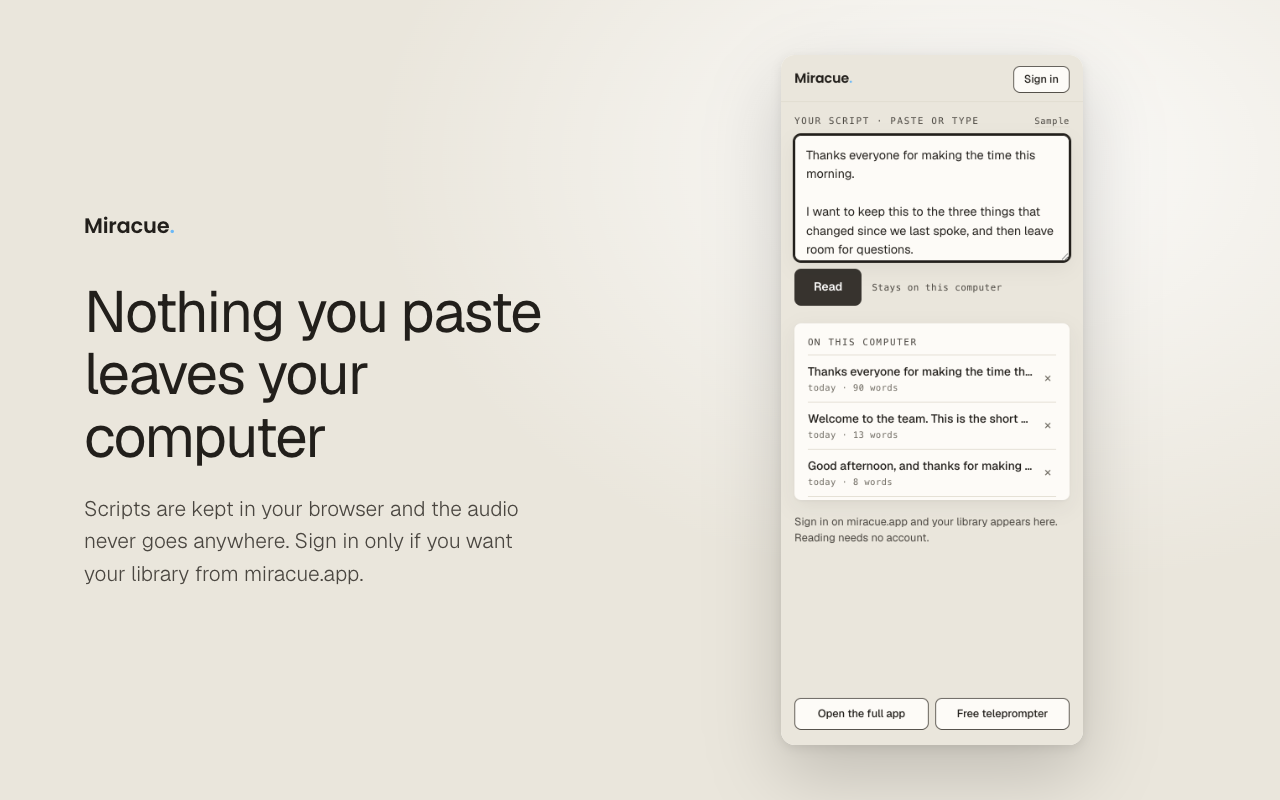
Keeps your recent scripts here
Anything you paste is stored in your browser, on this computer. Sign in to miracue.app if you want the scripts already in your library there.
No account to read, no meter
Nothing is timed and there is no trial clock. It does not watermark anything or interrupt you to upgrade.
Audio never leaves your machine
Recognition happens in the browser, on your device. The first time you switch the microphone on it downloads the speech model it needs, about 63 MB, once. After that voice follow works with no network at all.
What it asks Chrome for
Very little, and each one for a reason you can check. This is the same list we gave Google, and the same one on our privacy page.
- The side panelThat is where the teleprompter lives. It is the extension's entire function.
- StorageTo remember the scripts you paste and your display settings on this computer, so they are still there next time you open the panel.
- The microphone, only while voice follow is onSo the script can follow what you are reading. The audio is processed on your own device by a speech model running in the browser, and it is never transmitted or stored.
- Access to miracue.app, and nothing elseSo that if you are already signed in there, the panel can open the scripts in your own library. It uses the session your browser already holds, never handles your password, and reaches no other website apart from the one-off speech model download.
Three steps, then you are reading
Add it to Chrome
Press Add to Chrome above and the Chrome Web Store installs it in a moment. Pin the Miracue icon to the toolbar so it is one click away.
Open the panel
Click the icon and the teleprompter opens in the side panel, next to the tab you are on. Resize the panel by dragging its edge.
Paste, then Read
Paste your script, set the size you like, and press Read. Switch the microphone on if you want it to follow your voice.
The ones people ask first
Is it really free?
Yes. Reading in the panel needs no account and has no time limit, exactly as it does on the web. Miracue Pro exists for people managing a lot of scripts across projects, and it is bought on miracue.app, not through the extension.
Does it work in browsers other than Chrome?
It is built and tested for Chrome. Browsers that install extensions from the Chrome Web Store may run it too, but Chrome is the one we stand behind. On anything else, the web app at miracue.app does the same job with nothing to install.
Does my script go anywhere?
No. What you paste is kept in your browser, on this computer. If you choose to sign in, the panel can also open the scripts already in your miracue.app account; that is the only other place it looks.
Will the other people on my call see it?
Not if you share a single tab, which is what most calls offer first. The side panel is part of the browser window, not part of the tab, so a tab share leaves it out. If you share the whole window or your entire screen, the panel is on it like everything else, so share the tab instead.
What is the difference between this and the pin on the web app?
The pin is a small floating window you drag under your camera, for looking down the lens. The side panel is for reading at a desk, beside the tab you are working in. Both are free to try; use whichever suits the read.
Miracue Pro · opens in November
Running the whole shoot, not just the words?
Miracue Pro is your personal AD. The call sheet, the shot list and the whole shoot day go to every phone from one link, with no app and no account for the crew.
Join the waitlist